Every team has 200 tickets nobody will ever touch. Yours too.
Async Jira triage
Every backlog fills with stale tickets nobody dares remove alone. Clean Backlog automatically triggers short voting sessions when your backlog needs attention — your team votes async to keep, remove, or prioritize. Collective decisions, cleaner backlog, faster sprint cycles.
Every team has 200 tickets nobody will ever touch. Yours too.
The real problem
Every backlog accumulates tickets that were created in the heat of the moment, never prioritized, and never deleted. They just sit there — taking up space, wasting focus, and making your backlog unreadable.
Tickets from two years ago nobody dares delete — because "someone might still care."
A backlog so long nobody reads it. Important work gets buried under hundreds of stale issues.
Triage sessions that take hours — because the team debates every ticket instead of just deciding.
Nobody wants to be the one to delete a ticket. So nobody does. The backlog keeps growing.
A better habit
Clean Backlog turns backlog triage from a dreaded one-off event into a lightweight team habit — share a link, everyone swipes in their own time, and the consensus is ready in minutes.
"We have 400 tickets in the backlog. We should do a cleanup at some point. Let's block a full afternoon."
"I sent the triage link yesterday. Team voted 20 minutes. We just removed 30 tickets. Done."
How it works
Kick off a session yourself whenever the backlog needs attention — or let Clean Backlog watch your backlog and alert your team automatically.
Link your Jira workspace and choose backlog items via JQL filter or saved filter. Share the session link in seconds.
Everyone swipes through tickets at their own pace — no meeting needed. Each person picks what to keep, remove, prioritize, or flag.
Blind voting — no one sees what others chose until the session closes. Honest input, no anchoring.
See instantly which tickets the team agrees to remove or prioritize, and which few actually need a conversation. Clean up Jira with a few clicks.
Define what "stale" means for your team — e.g. no activity for 90 days — and how many stale tickets should trigger an alert.
When the stale count crosses your limit, Clean Backlog auto-creates a cleanup session and posts the join link directly in your Teams channel.
Team members click the link and triage the oldest tickets — no manual setup, no calendar invite, no excuses.
No account needed. Run a live demo session with fake stale tickets — swipe, vote, and see the results in under 2 minutes.
Benefits
Triage is the part of backlog hygiene nobody wants to do alone. Clean Backlog makes it a team sport — fast, low-effort, and actually satisfying.
When the whole team agrees to remove something, it's easy — and safe — to let it go. No more "but what if someone cares about this?"
Important tickets stop getting buried. Quick wins and high-priority items bubble up naturally from the votes — before planning, not during.
Arrive with consensus already formed on 80% of tickets. Spend meeting time only on the few that genuinely need discussion.
Share a link. Everyone votes when it suits them. Results are ready in minutes — no calendar block, no waiting for a slot.
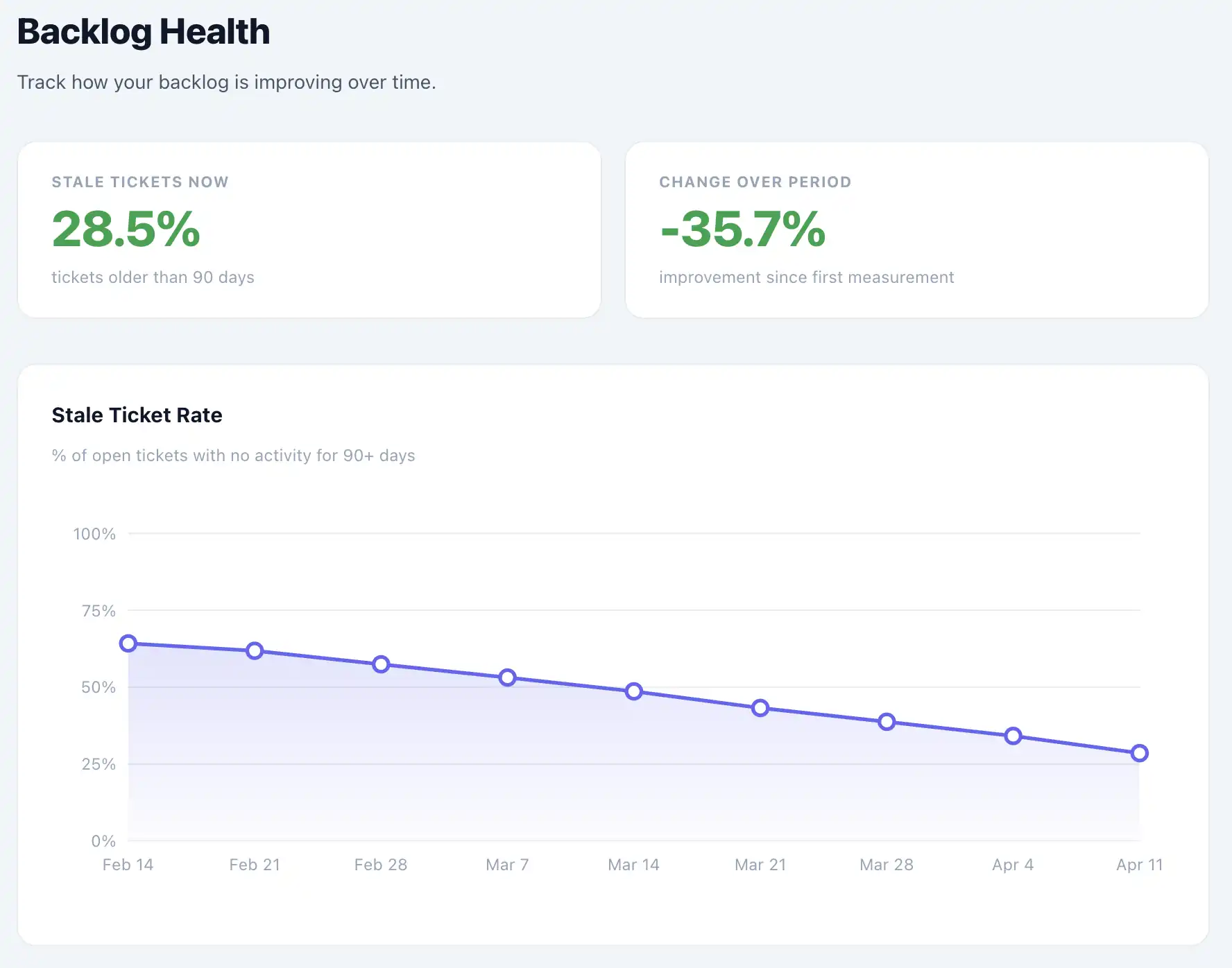
Backlog Health Monitoring
Clean Backlog continuously tracks your stale ticket rate and alerts your MS Teams channel the moment it crosses your threshold — with a ready-to-join triage session already created.
See how your backlog health evolves week over week. Spot trends before they become problems — not after they've derailed a sprint.
When stale tickets exceed your threshold, Clean Backlog posts a message in your Teams channel with a direct link to a pre-created triage session.
Define your stale threshold once. No manual tracking, no recurring calendar reminders — the system tells you when action is needed.
Privacy & Data
Clean Backlog is built with a privacy-first approach. We only store what's strictly necessary — and nothing more.
All data is stored on servers located in Germany, within the European Union, and subject to GDPR.
Your Jira API token is encrypted using AES-256-GCM. It is never logged or exposed.
We store ticket IDs and vote results — never ticket titles, descriptions, comments, or any other content from your Jira.
All intellectual property in your backlog belongs to you. Clean Backlog has no rights to your data, ever.
vs. the alternatives
Good question. Here's the honest comparison — what each option actually gets you.
FAQ
Everything you need to know before getting started.
Insights
Practical know-how on backlog refinement and building better development habits.
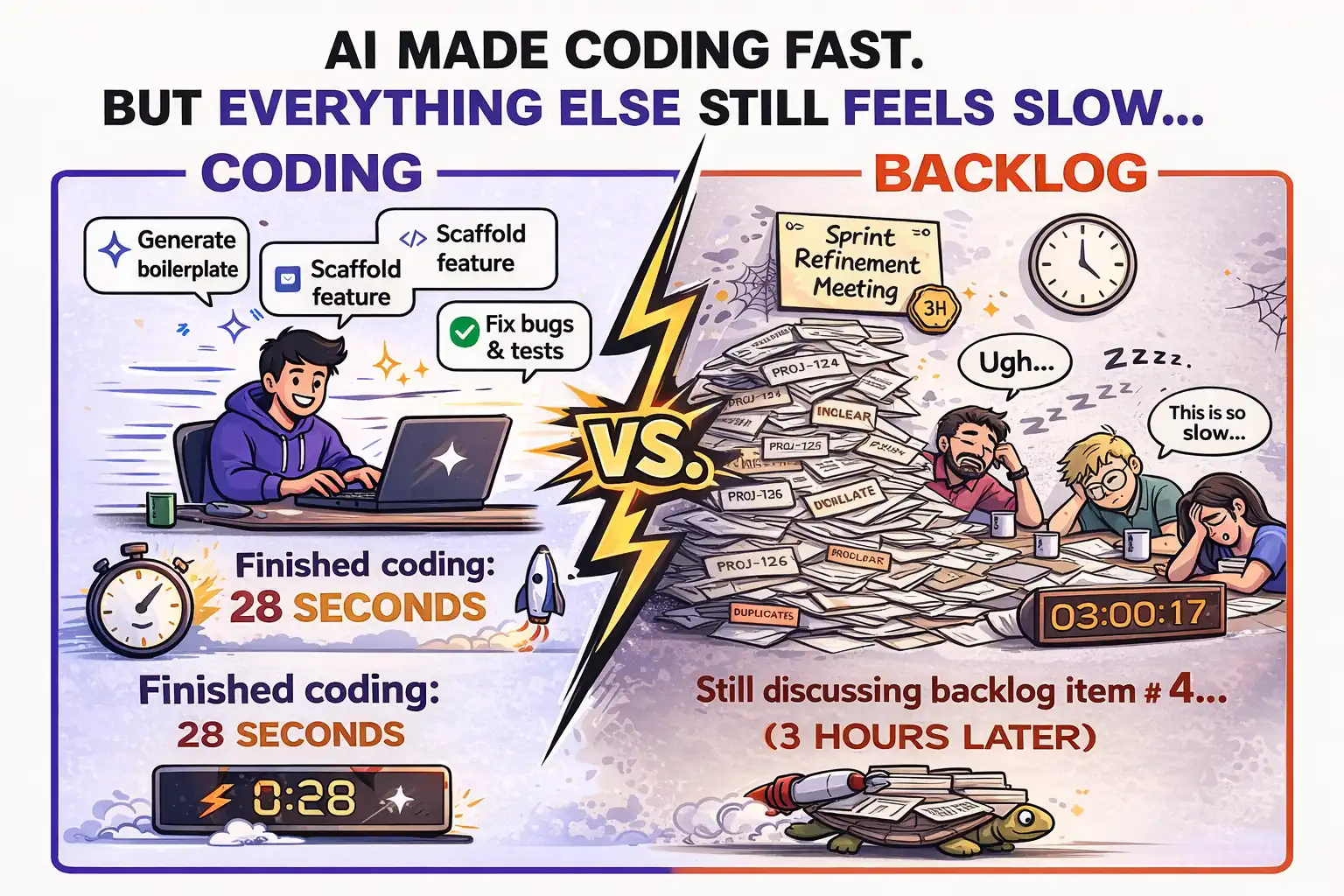
AI Made Coding Fast. Now Everything Else Feels Slow.
Coding is no longer the bottleneck. Pipelines, reviews, and backlog decisions are. Here's what that means for your team.
Fabian Eichfeldt · 4 min read · Apr 8, 2026
Connect your Jira and run your first session in minutes.
Clean your backlog now →Want a walkthrough first? Book a 30-min demo call →